



I used to type the same 200-word instruction to Claude three times a day.
Same tone. Same format. Same context. Every. Single. Time.
It felt productive. Really, it was just manual labor with a fancier interface.
Most people using Claude have never heard of SKILLs. They’ve been at it for months, still rebuilding from scratch every single session. There are two completely different ways to use Claude. Almost everyone is stuck in the first one.
Chat mode vs. Cowork mode
The first way is what everyone starts with. You open a new conversation, explain what you want, get something back, refine it, repeat.
That’s chat mode. It works. But every session starts from zero. Claude has 0 context, zero information to start working with.
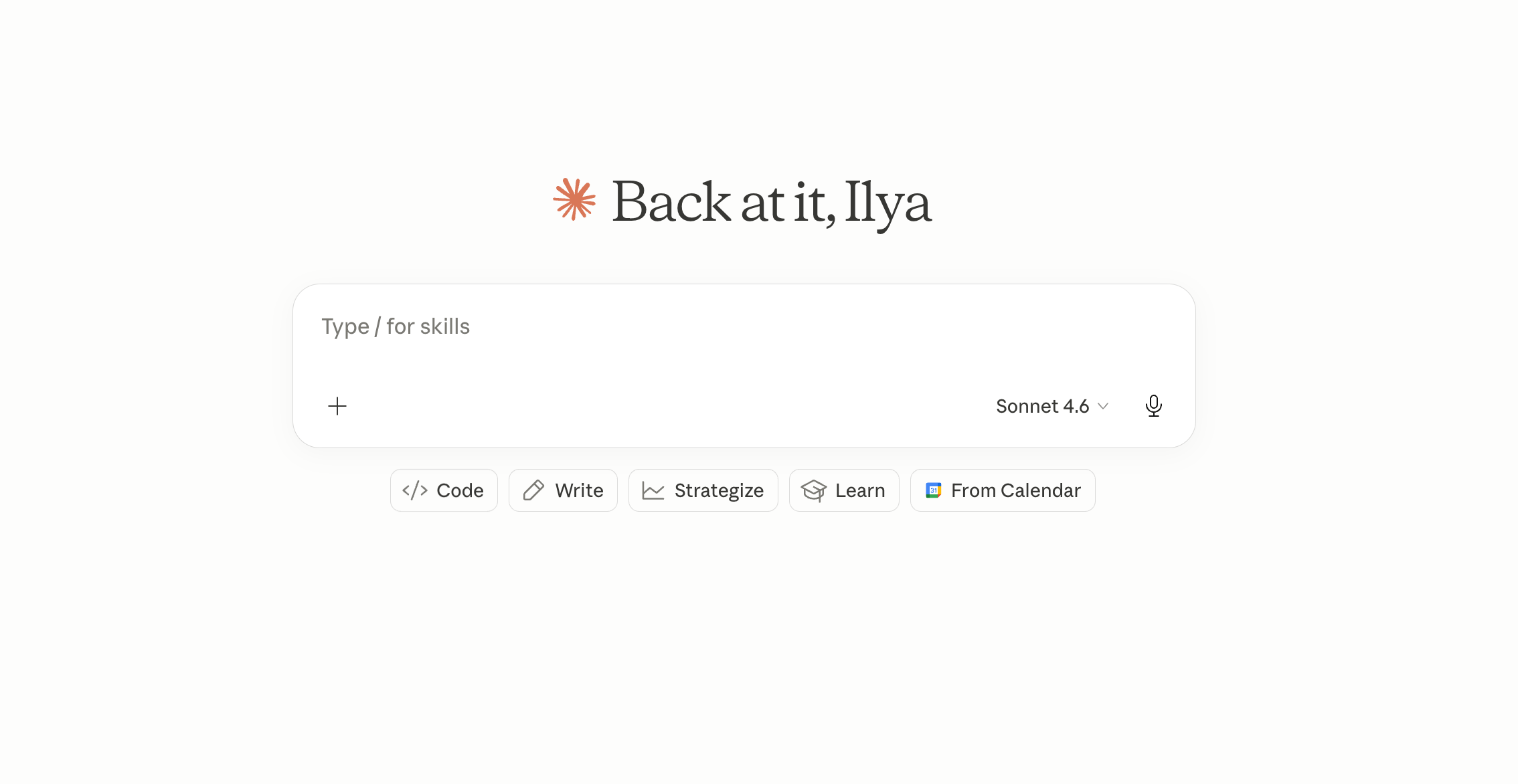
Claude knows nothing about you, your goals, your rules, or how you like things done - until you tell it again. And again. And again.
Feels repetitive, right? Yeah it does.
Well, there’s a second way, which is completely different.
Instead of explaining yourself every time, you configure Claude once - your context, your voice, your rules - and then it just knows. You trigger it, it works. No briefing. No back and forth.
That’s a SKILL.
A SKILL is a saved configuration file Claude loads before it starts working. Think of it as the difference between hiring a new freelancer every morning and actually training someone who works with you long-term.
The SKILLs I actually use
These are the SKILLs I actually use in my day-to-day or weekly work. I post on Substack, but everything here applies if you’re on LinkedIn, X, or any platform where you show up consistently.
Content planning. Every week, instead of staring at a blank page wondering what to write, I trigger one SKILL and get 14 post ideas - grounded in my voice, my top performers, and my content pillars. No briefing. No explaining who my audience is. It already knows.
Article drafting. I write the rough idea, the angle, the key moments - all of it comes from me. The SKILL takes that and builds a structured expansion in my format. Think of it as a thinking partner that knows your voice, not a ghostwriter. The angle, the story, the opinions - all mine. The SKILL handles the scaffolding so I’m not rebuilding structure from scratch every time. Phase 2 of this article for example went exactly that way.
Article review. Before I publish anything, I run it through a review SKILL. It doesn’t give generic feedback. It checks my draft against my own framework - my content pillars, my style rules, what to cut. It also looks for grammar and stylistic errors. It’s like having an editor by your side who has read everything I’ve ever written.
Lead qualification. I paste a list of prospects, usually a CSV, but an Excel file can work as well. The SKILL scores them against my ICP without me explaining what my ICP is. It already knows. I get a qualified list in seconds instead of going back and forth clarifying what I’m looking for.
Humanizing drafts. One trigger strips AI writing patterns from any text. No instructions needed. No “make this sound more human but not too casual but also not too formal.” It just does it. It literally removes the famous “It’s [X], not [Y]” pattern that you probably spotted in some AI-written content out there.
Five SKILLs. Each one built once. Each one running every week, either when I need it or on schedule.
Most content about SKILLs and automation targets businesses. Agencies, ops teams, enterprise workflows. But the people who get the most out of this are solo creators posting consistently. If you’re on Substack, that’s you. You’re already wearing every hat - writer, editor, strategist, distributor. A SKILL doesn’t replace any of those roles. It handles the clerical version of each one, so you can spend your time on the part that actually requires you.
What’s actually inside a SKILL
Well, whatever you actually put inside of it. Every SKILL has three things.
Your context - who you are, what this is for, who the audience is.
Your rules - how Claude should behave, what format to use, what to avoid.
Your trigger - what kicks it off and what it expects from you each time.
The key insight here: you’re not writing a better prompt. You’re documenting how you think about a task, once, so you never have to explain it again.
The first time you set up a SKILL, it takes some thought. You’re essentially writing a job description for someone who never forgets anything and never has a bad day. That’s the work - straight up.
Here’s what a simple one actually looks like. Say you want a SKILL for drafting Substack notes:
name: draft-note
description: Draft a Substack note in my voice from a rough idea.

Rules:
- Short paragraphs, one idea per line
- No em dashes, no emojis, no hype language
- Open with a real hook, not a lesson
- End with a grounded takeaway, not a generic CTA
That’s the whole file. Claude reads it before it starts, follows the rules, and uses whatever context you give it that session. One file. Infinite runs.
Triggering it is even simpler. You open Claude, type /draft-note, add a sentence or two about your idea, and press enter. Claude reads the SKILL, follows the steps, and produces output that already fits your format. No briefing. No re-explaining your tone or your audience. The first time it works, it feels almost too easy.
What makes a good SKILL
Keep each SKILL tight. One task. One context. The moment you try to make it do everything, it does nothing well.
And here’s the thing that stops most people before they even start - they assume they need to code or write in some special syntax. You don’t. If you know your process well, write it yourself in plain language. If you’re not sure how to structure it, just describe the workflow to Claude and ask it to build the SKILL file for you. Either way, you end up with a file you own, can edit anytime, and reuse forever. No technical knowledge required.
Where to start
If you write content of any kind, start with a content analysis SKILL.
You already know your niche. You already know your audience. You probably have a sense of what topics land for you. But reviewing your content performance every single week is a real burden. At least it was for me.
A simple rule: if you’ve explained the same process to Claude more than twice, it should be a SKILL. The upfront time is 15-20 minutes per SKILL. After that, it runs in seconds. Build one, use it a few times, and you’ll immediately know what to build next.
Here’s what to do:
Audit your process - how you review content and what criteria you actually use.
Write down all the instructions in plain language once
Craft a high-quality content framework in Notion or Google Docs. Your style, your pillars, your audience, your goals - everything that matters.
Let Claude reference that framework each session. Hand it your posts from the week.
Instead of typing: “analyze these last week posts”.
You get a SKILL that already knows your voice, your top performers, your content pillars - and produces ideas you’d actually write. One sentence input. Output that actually fits.
That’s your first hour of setup. After that, it runs on its own.
There’s a fully automated version of this that doesn’t even need you to copy-paste the posts. That’s a story for another time.
Where they sit in the Claude App?
This skills sit on your computer in a specialized folder but you can easily access them by following these steps:


You then click the plus button and either browse the available skills or create your own.
How to trigger one
Super simple. You just type /name-of-your-skill.
For example:

You then press enter or click on the arrow button and Claude starts working for you.
The honest part
Most people will read this and think “I should set that up.” Then they’ll go back to chat mode because it feels faster in the moment.
It isn’t. It just feels that way because the cost is invisible - spread across a hundred small sessions instead of one upfront hour.
The ones who do the hour upfront are the ones compounding. Everyone else is still copy-pasting.
Talk soon,
Ilya