



When I get off a scoping call, I literally type one sentence. And about 10 minutes later there is a meeting record, an internal overview and a client-ready proposal all sitting in my Notion.
I do not write them. I actually never read the transcript. I do not open the recording to review it.
Look, it might sound strange but I used to spend about 3 hours on a single client proposal. Digging through call notes, copying numbers over, formatting, second-guessing every line of it. Now it is under 10 minutes, and most of those 10 minutes are just me waiting for the meeting recording being transcribed.
What this article offers is a copy-paste ready system. Every file is in here, you don’t have to invent anything, and if you change the names to yours it runs today.
Subscribe to No BS AI
One real copy-pasteable build like this every week.
What happens if you just paste the transcript in
Most people try the obvious version first and I did too of course.
You download the transcript, you drop the hour-long transcript into a chat and ask for a proposal. Something mediocre comes back. It looks fine. Then you spend 40 minutes rewriting it of course, and you are not really sure why.
You’re questioning your life decisions and asking yourself: “Why am I doing this?”
And usually 3 things are going wrong at the same time here:
It invents prices. Nobody mentioning a single number on the call, the model just picks one that sounds about right, and now there is a rate sitting in your document that you never agreed to.
It writes to the wrong place. Say you asked it to save into Notion, and your property is called “Client” while the agent went and guessed “Client Name”.
It promises work nobody asked for. You mentioned one integration, one system, the model went and scoped four of them, and now all four are sitting in a document and, again, you find yourself with something you never agreed to.
So technically you have a proposal, and practically you have a first draft that you now have to audit line by line, and it’s not gonna be 10 minutes. That is the 3 hours all over again, just with a bit more extra steps in the middle.
And this is normal by the way. Proposals are slow almost everywhere. Loopio runs an annual survey of response teams, and in the 2026 edition, across 1,500+ teams, the average RFP takes 33 hours of work, down from 35 the year before. Loopio sells proposal software, so read their number with that in mind, but the direction matches what every consultant I know says out loud.
This is normal because it’s what everyone does, but we’re not here for normal, are we?
What you get below this line
The skill system that runs the whole sync and creates you 3 pages for each call.
Complete, nothing truncated, exactly the same system runs on my machine.
You get the parts that go wrong as well, because they will. Your first run is very likely to report back a beautiful finished proposal and write absolutely nothing anywhere, and I will show you how to catch that in about 5 seconds instead of the afternoon it cost me.
The only thing I still do by hand after all of this is the pricing.
No code and no terminal anywhere in it by the way. If you can make a folder and paste text into a file, you are good to go.
Quick heads up: a free overview of this build is coming out in 2 days, so stay tuned. If you want my complete personal build, that I use every day, and not just a high level abstract overview, please, follow along.
Step 1: What you need before you start
Three things, and you probably have two of them already.
A call recorder that keeps full transcripts. For instance, I use Fathom. It just sits in the call, records everything, and keeps both a summary and the full transcript. The summary on its own is not going to be enough, mostly because it doesn’t capture the whole set of specific details that you might want to extract from the call.
Notion with 3 databases. Meetings, Projects and Clients. And if you already have some kind of CRM-ish setup in there, you probably have all 3 already just under different names, which is completely fine because you are going to write your real ones down in a second anyway.
An agent that supports skills and connectors. I run Claude. A skill is just a folder with a file in it that says how you do something. And a connector is a simple way to connect your favorite apps (e.g. Gmail, Slack…) to Claude.
Now connect exactly 2 things. Your recorder to read from (e.g. Fathom, Granola), and your Notion to write to. Nothing else really. Every connection you switch on takes up room in the agent’s head, so 2 tools you actually use every day will beat 15 that you turned on once and forgot about.
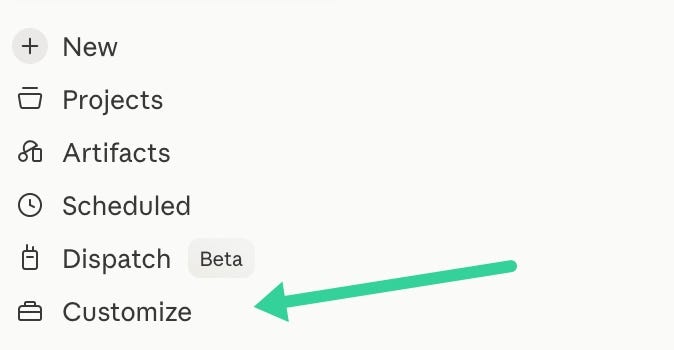
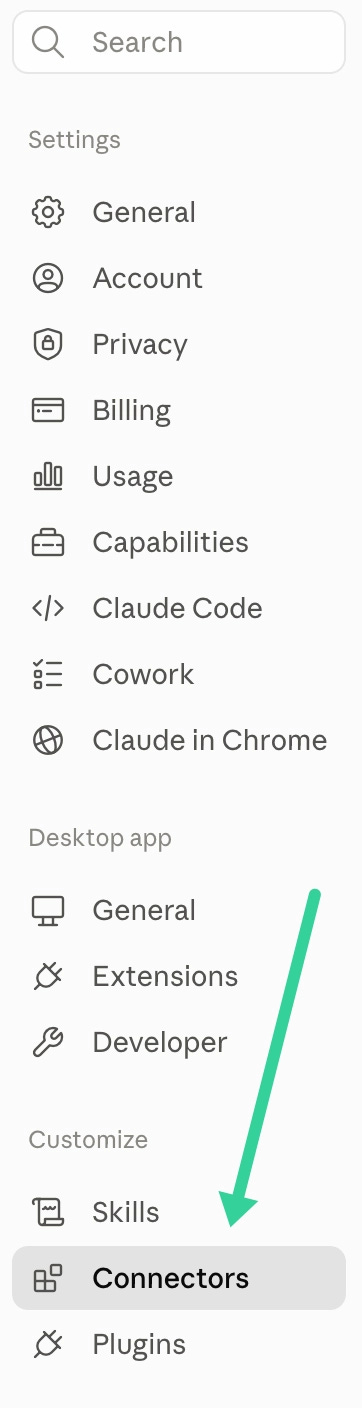

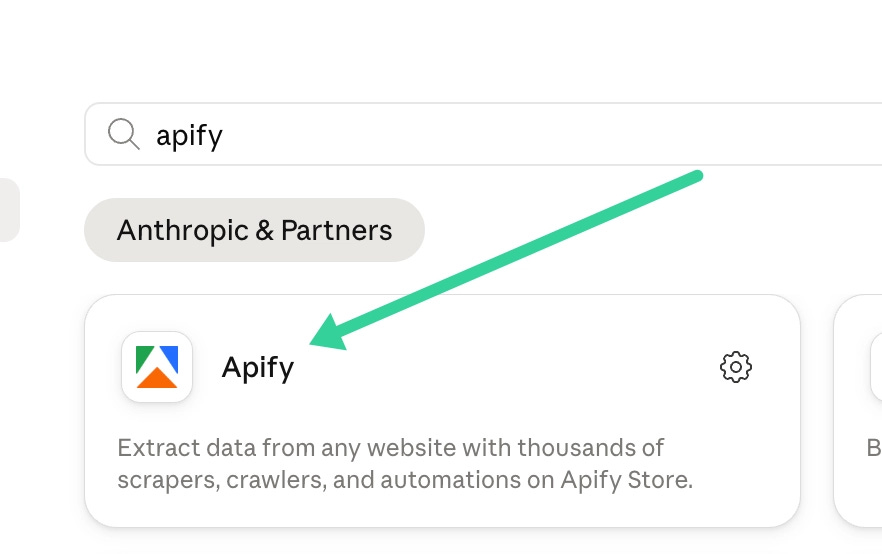
Apify is just the example in those screens by the way. It looks exactly the same when you go and connect Fathom or Notion.
And then test each one on its own, in a clean chat, before the skill ever goes near them:
“List my last 3 calls from [recorder, e.g. Fathom].” You should get back real titles and real dates.
“Create a page called Proposal test in my Notion.” Then go open it and look at it.
And if either one of them fails, fix it now. Debugging a broken connection through a 5 step skill later on is genuinely horrible.
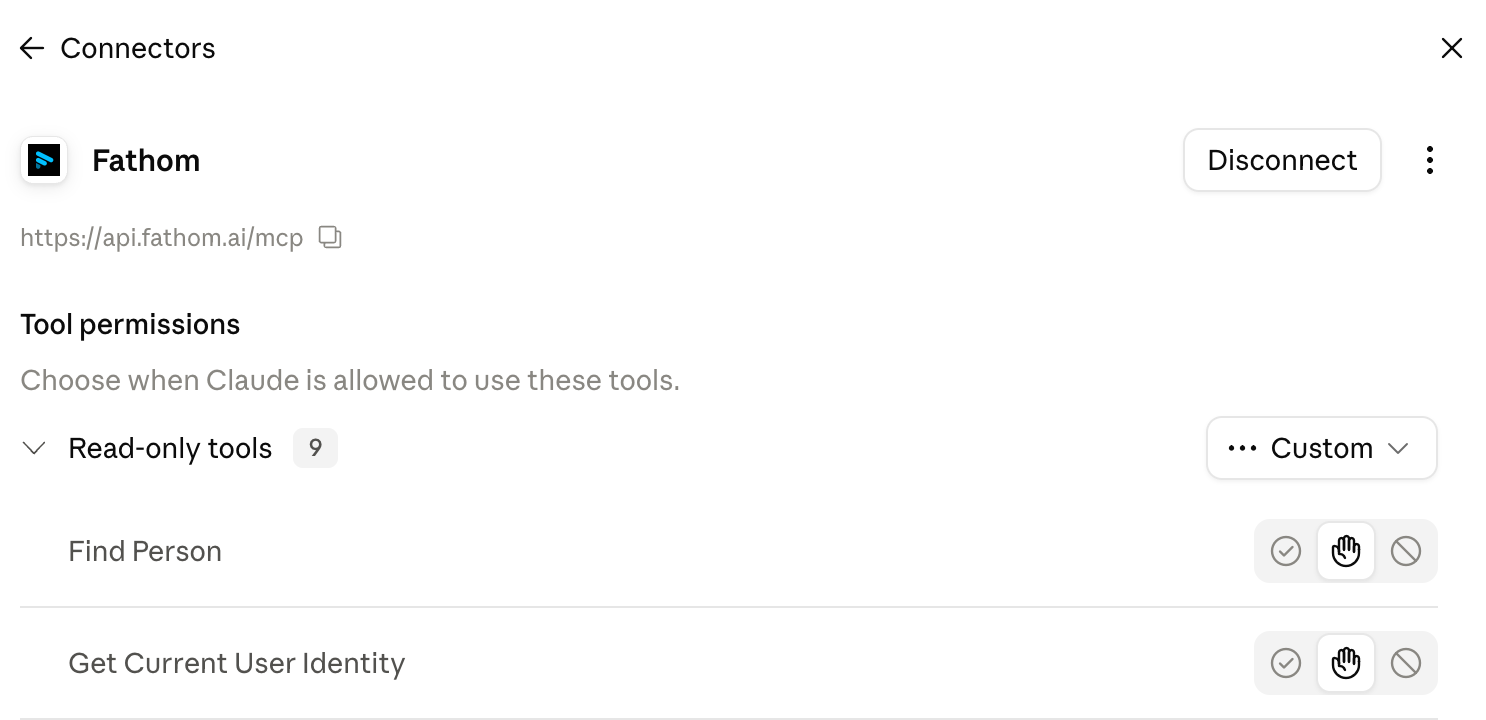
When you connected everything you should see something like this:
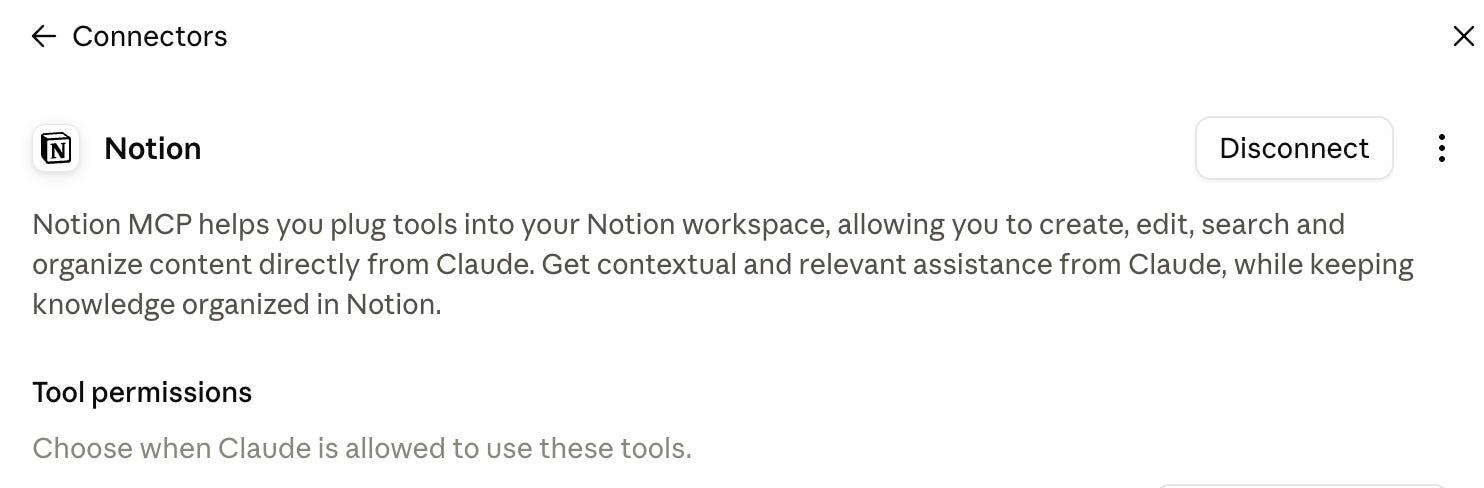
Step 1 done.
Step 2: the one file that does all of it
So here is the whole build, and it is one single file.
One skill, 5 steps, and 3 possible outputs depending on what the call was. Every call gets a meeting record no matter what. A call that starts a new engagement gets a project on top of that, and a call that was really about scope also gets an Overview and a Proposal written underneath it.
The 3 page shapes are in there too, near the bottom, and they turn “write a proposal” into a document that comes out looking the same every single time. Which matters more than it sounds. Because when the shape never changes, you can skim a proposal in 2 minutes instead of properly reading it, since you already know what is sitting in position 4 before you even get there.
Later on just swap my names with yours and run it.
Here’s the prompt:
